Features
Know who has the tools and what’s left in stock
HiVis keeps one list of your tools, equipment and materials: how many you have, where they are and who holds them. Every change in quantity is recorded, so when something runs short you can see where it went.
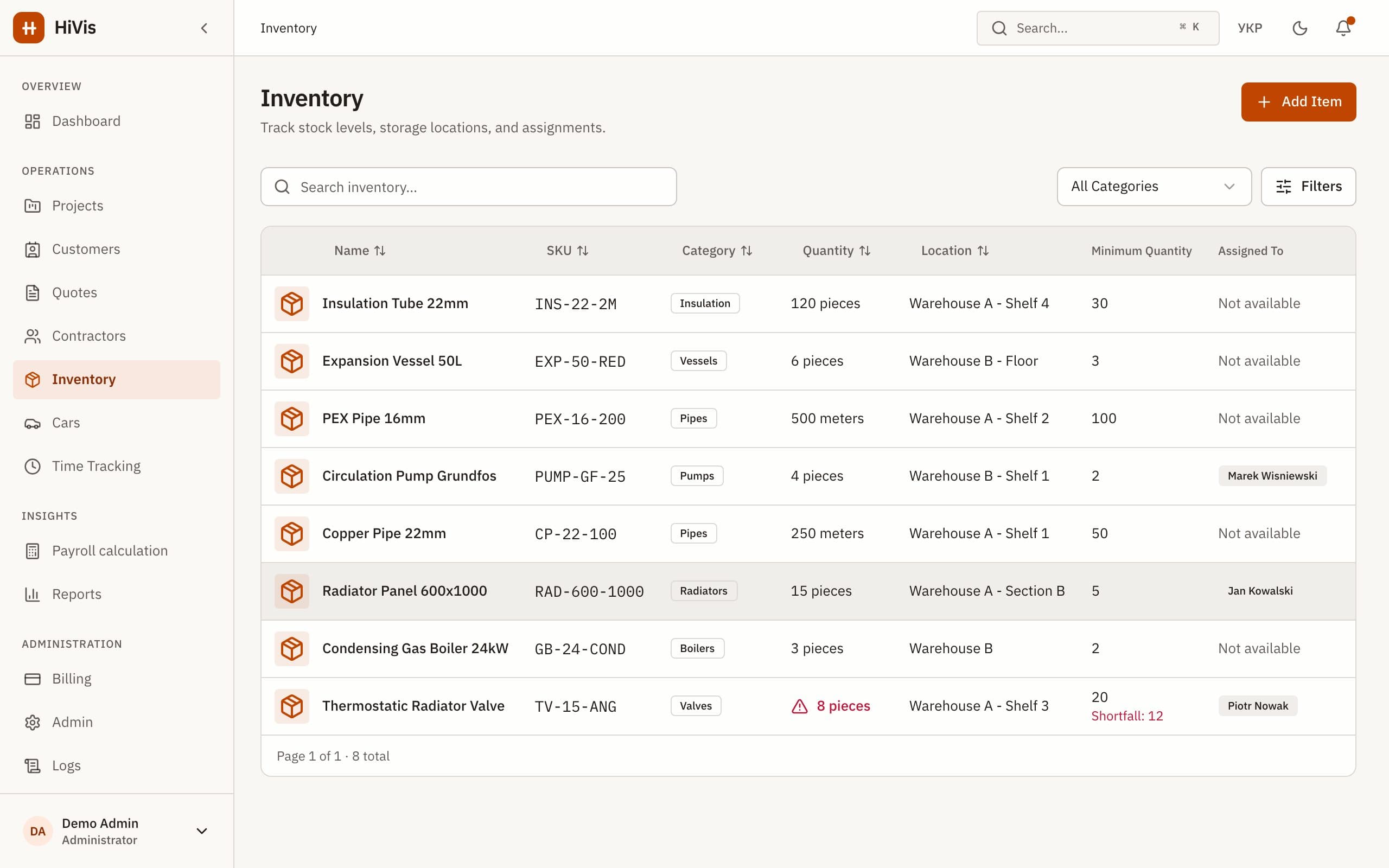
One record per item
Each item has a quantity and unit, an SKU, a category, a location and a minimum quantity. Tools can be assigned to the person who holds them, so you know whose van the drill is in.
Every change is a movement
Quantities don’t change by editing a number. Each change is a movement that records who made it, why, and the balance after it.
- Receipt: new stock comes in.
- Project use: stock is issued to a job, with an optional unit cost for job costing.
- Return: unused stock comes back, linked to the original issue.
- Adjustment: a correction after a count, with the reason.
Low stock, before the job stalls
Set a minimum
Give a minimum quantity to the items you can’t run out of.
Record what goes out
Issue stock to projects as it’s used, and record returns against the original issue.
Get an email
When an item drops to its minimum, HiVis emails the people who manage inventory.
A history you can rely on
- Stock can’t go negative: an issue larger than the balance is refused.
- Items with movement history can’t be deleted, so past jobs keep their records.
- Materials issued to a project show up in its job costs.
What HiVis doesn’t do
- No barcode or QR scanning.
- No purchase orders or supplier management.
- No serial-number tracking of individual units within an item.
Questions and answers
See your crews, hours and costs in one place
Book a 30-minute demo or start a 30-day trial. We set up your workspace and help move your data.